 Shiny
Duplicates, side by side.
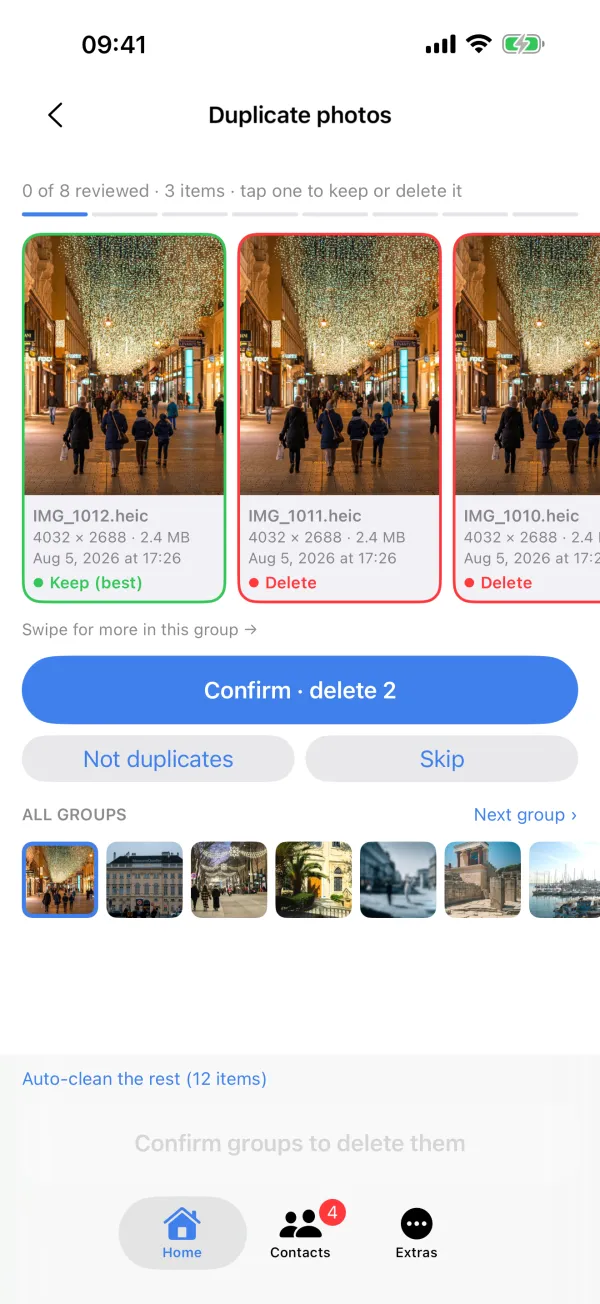
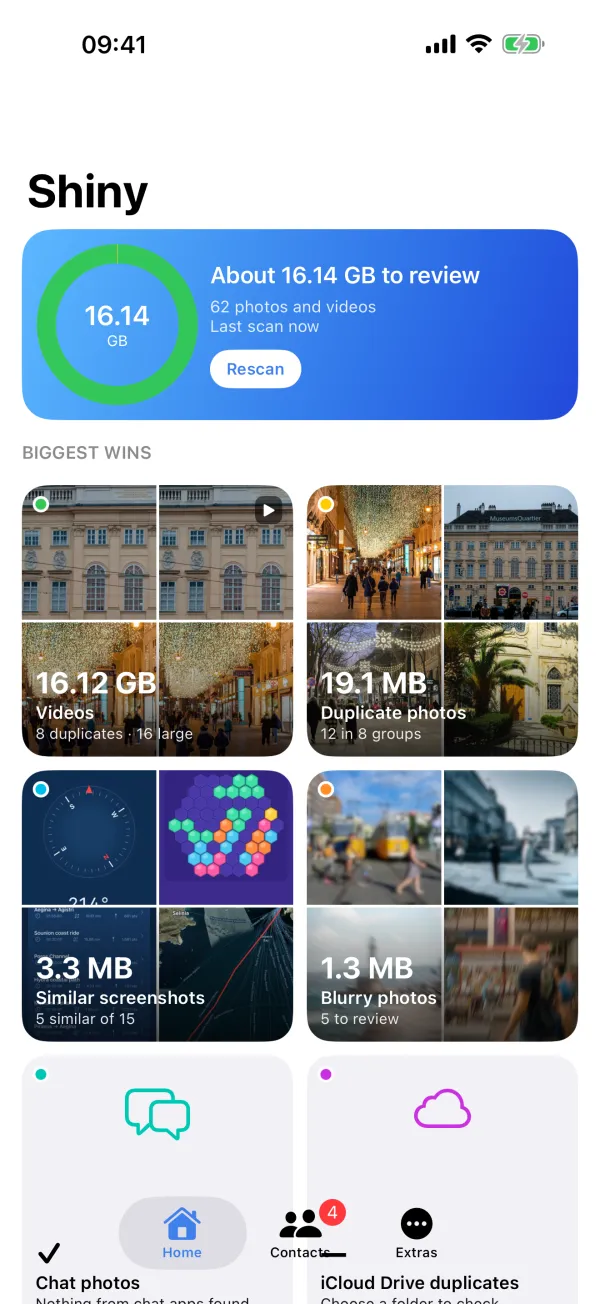
Duplicate photos, blurry shots, large videos, old screenshots and duplicate contacts, grouped so the biggest wins come first. Review them side by side, then clean up.

Free to scan. Nothing leaves your iPhone.
Runs on your iPhone · No account · Data Not Collected
Shiny looks through your whole library on your iPhone and shows the results by how much space they take. Nothing is deleted until you've reviewed it and confirmed.
Photos go to Recently Deleted for 30 days. Contacts are backed up first.
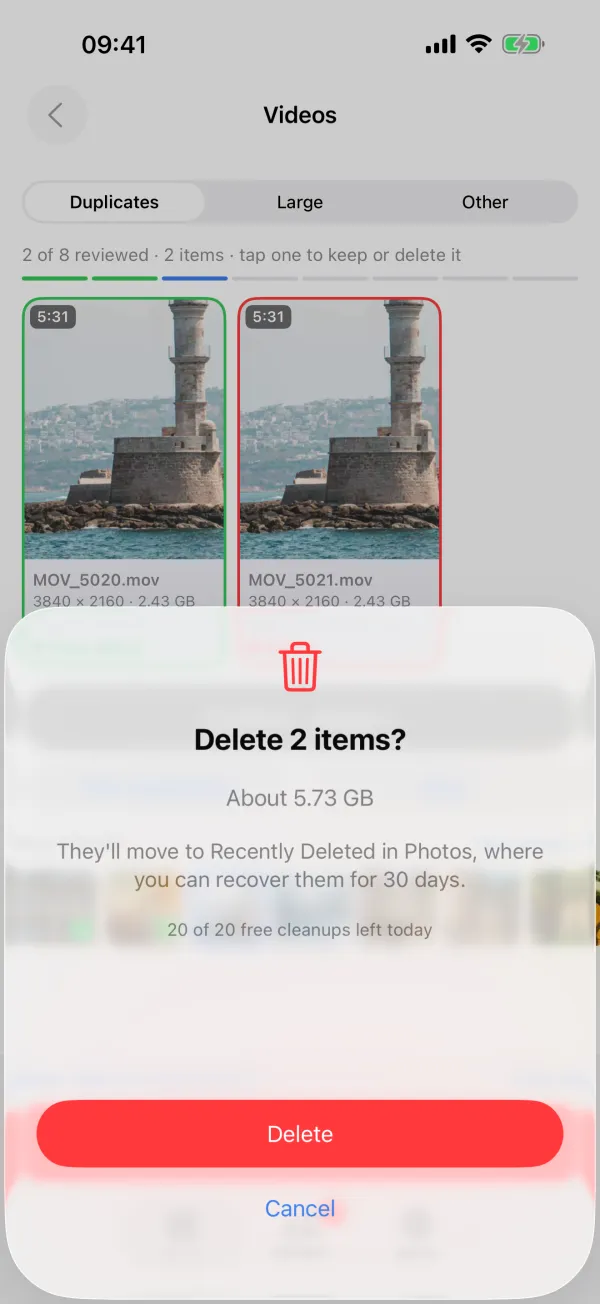
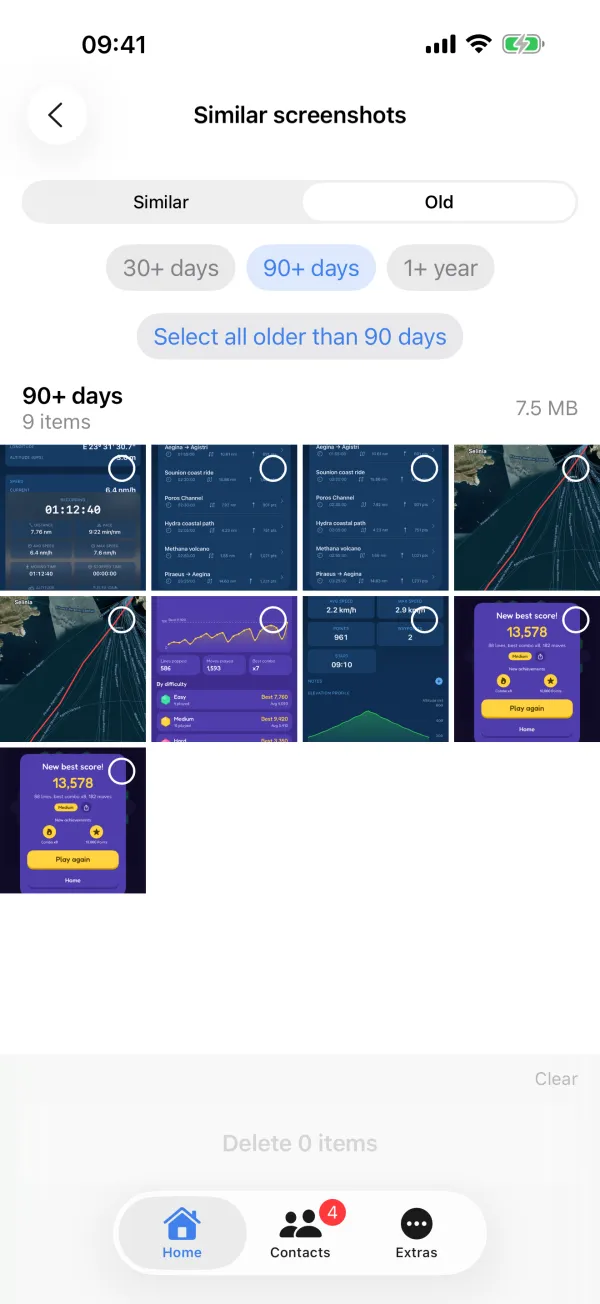
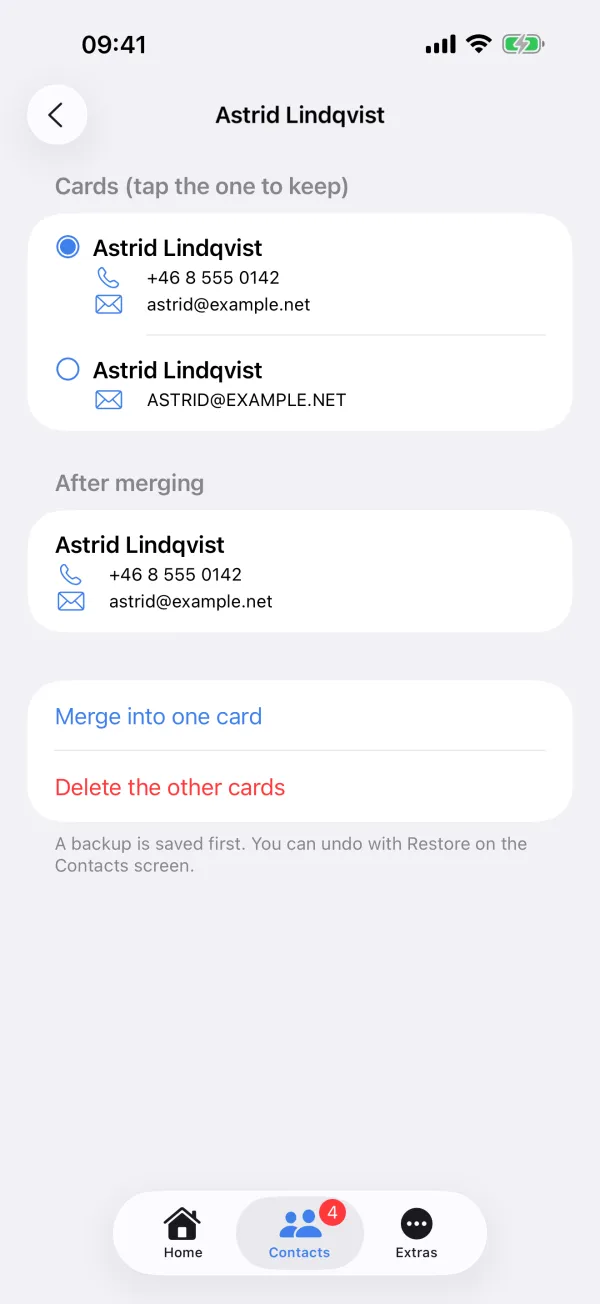
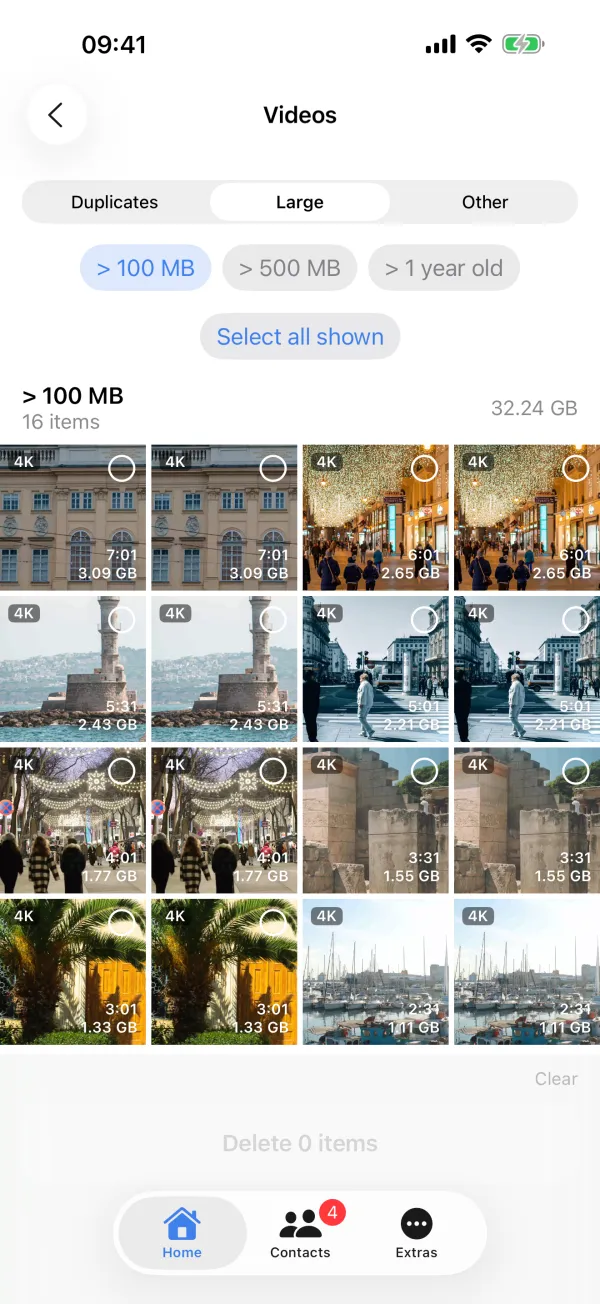
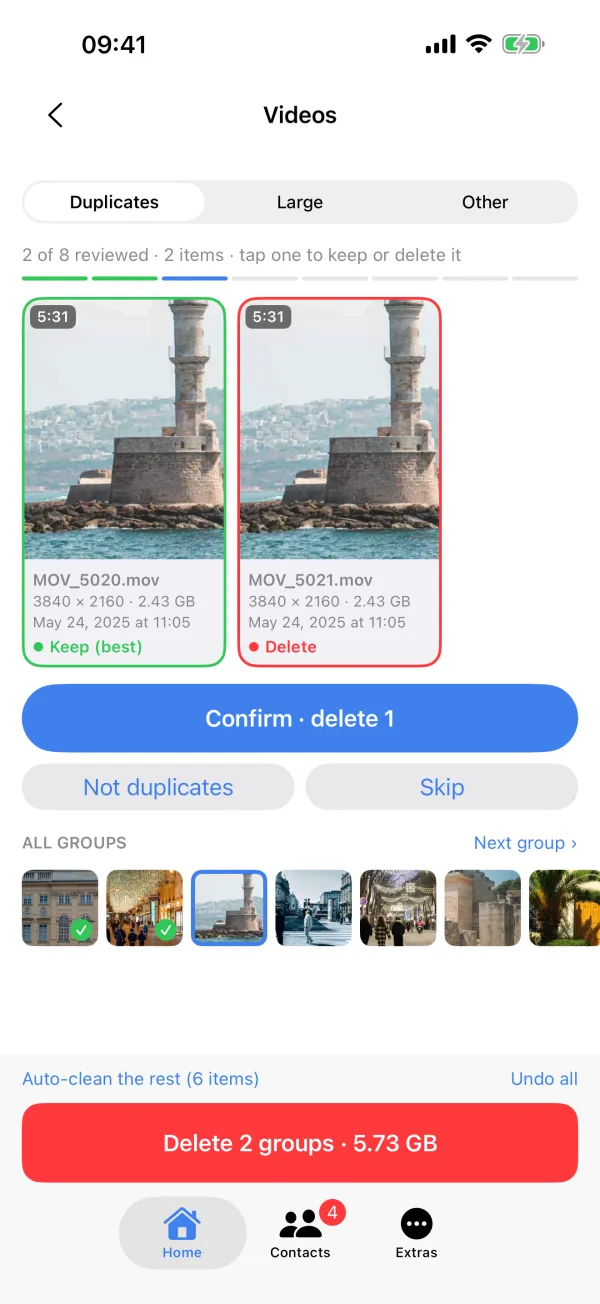
Most space is in a few long videos. Find them, and the duplicates too.
One scan
Each result shows how much space it takes, so you can start where it counts.
Exact copies and near-identical shots, with the best one suggested to keep.
Screenshots of the same screen, and old ones you probably don't need.
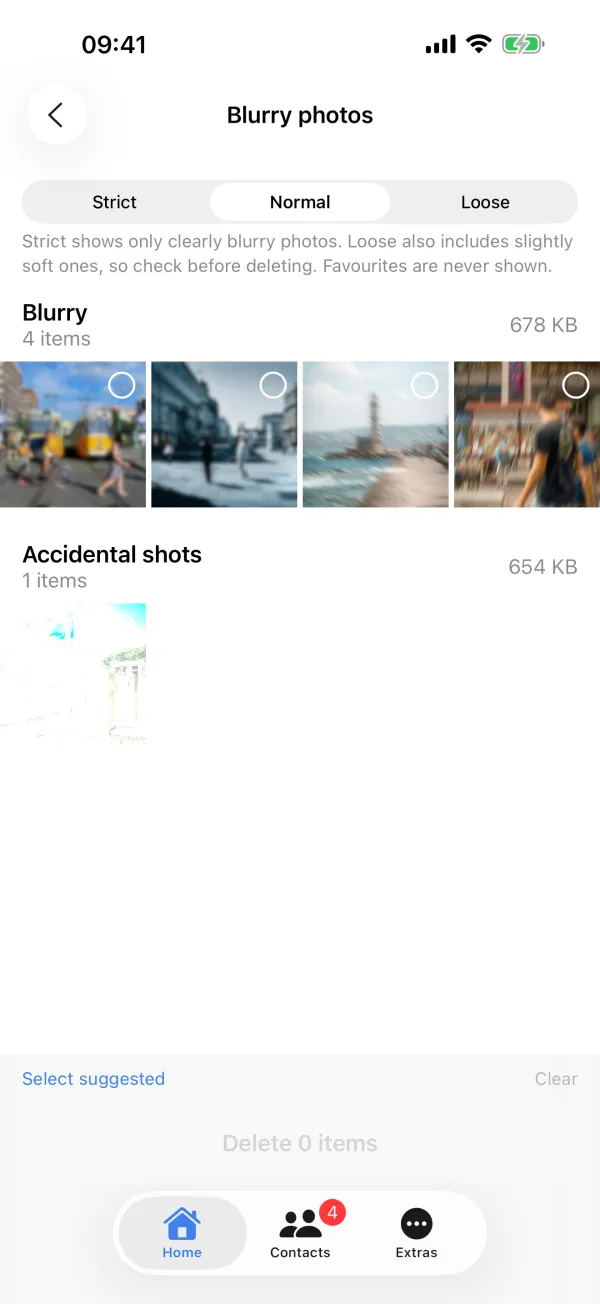
Out-of-focus pictures, plus pocket shots that came out black or white.
The largest videos first, duplicate videos, slow-mo, time-lapses and screen recordings.
Turn Live Photos you don't need moving into still photos, keeping date, place and albums.
Screenshots of WhatsApp, Instagram and Messages conversations.
Duplicate files in a folder you choose, matched by their content.
Cards for the same person, merged with a preview and a backup first.
Private by design
Every photo, video and contact is analysed on the device. There's no account, no tracking and no upload, and the App Store privacy label is "Data Not Collected".
Shiny looks through your photo library on your iPhone. Later scans only check what's new or changed.
Compare each group side by side. Shiny suggests the best one to keep, and you decide.
Nothing is deleted until you confirm. Photos go to Recently Deleted for 30 days, and contacts are backed up first.
Free and Pro
Prices are shown in the app, in your currency. Questions about Pro
No. Your photos, videos and contacts are analysed on your iPhone and never leave it.
To the Recently Deleted album in Photos. They stay there for 30 days, so you can recover them until then.
Scanning and every result are free. You can delete, merge or convert up to 20 cleanups a day for free. Shiny Pro removes the limit.

Shiny for iPhone and iPad. Nothing leaves your device.